Productivity
PDF Pass
On-device PDF Unlock
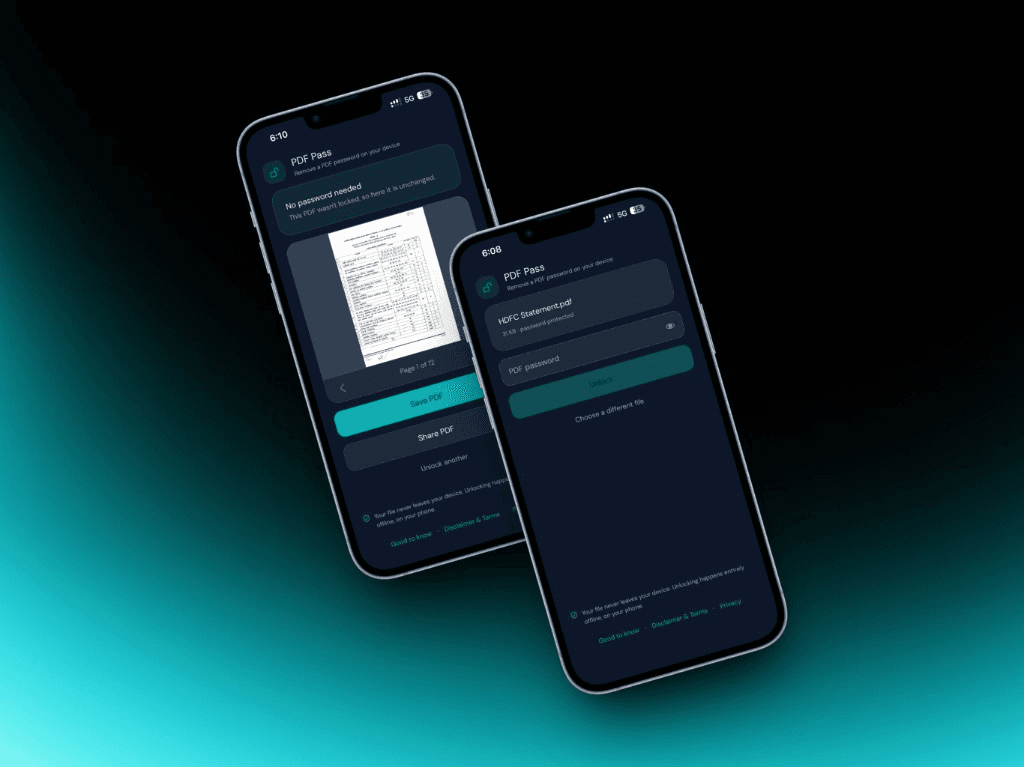
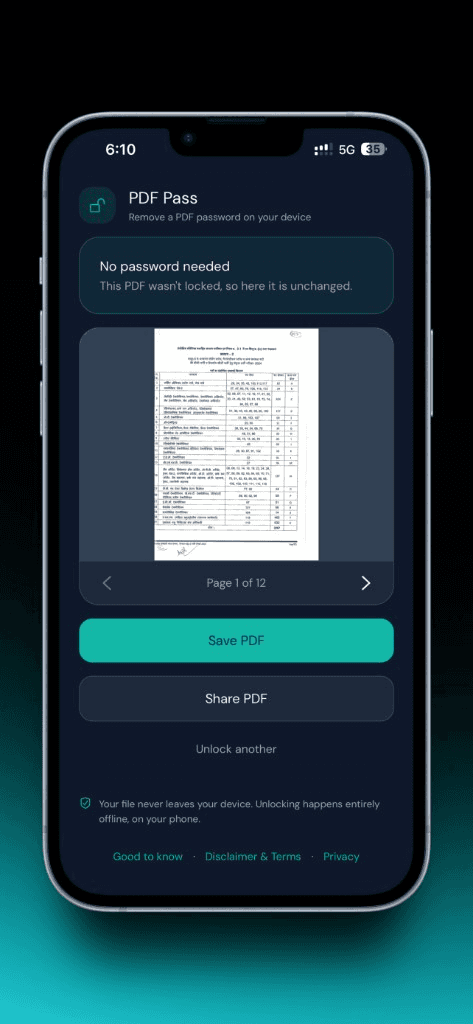
PDF Pass removes a password you already know from a PDF, on this device. Open a file from Files, Mail, or another app, enter the password if needed, preview the pages, then save or share the unlocked copy. Your PDF and password stay on the device — there are no accounts. This is not a cracking tool: it does not guess passwords or unlock files you are not allowed to change, and unlock can fail for some encryption types or damaged files.
01
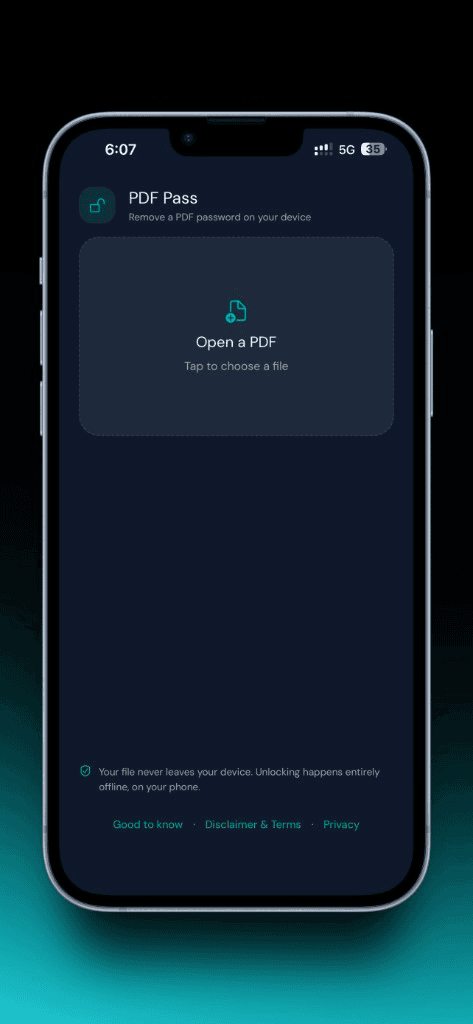
Open a PDF
Pick a file in the app, share a PDF into PDF Pass from Files or Mail, or use Open with. The flow starts with the document you already have — not a cloud upload.
02
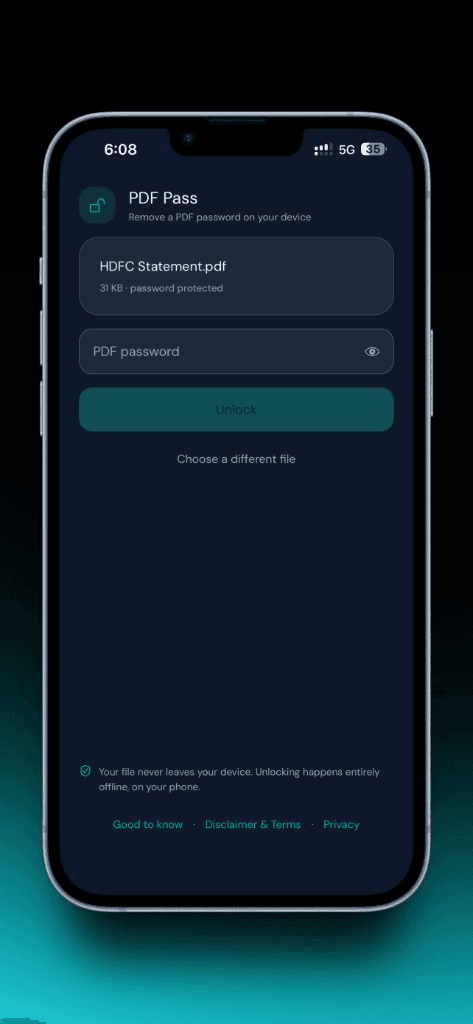
The password you already know
When a PDF is locked, enter the password you already have. Owner-restricted files that only limit printing or copying may skip the prompt. PDF Pass never guesses or recovers passwords.
03
Preview, then save or share
Flip through pages on device, then save with the system file picker or share the unlocked copy. Temporary copies stay local unless you save or share them yourself.
Get PDF Pass
Built and shipped by Diwakar IT Services as a real product — not a mock showcase.
- Pick a PDF or share one in from Files, Mail, or another app
- Enter the password you already know — not a cracking tool
- Preview pages, then save or share the unlocked copy
- On-device processing with no accounts
More products
Healthcare
Niti
A secure, compliance-minded clinic operations product for front desk and care teams — patients, appointments, admissions, and prescriptions with auditability built in.
Education
Spar
A local desktop gym for interview DSA — LeetCode-style workspace, a 12-week path, streaks and XP, and AI review that stays on your machine.
Fintech / Productivity
Timmy
A group expense app for trips and friends. Split costs, track who owes what, and add expenses offline — they sync when you are back online.
Security
Opty
An offline two-factor authenticator for moments when connectivity is unreliable — security that still works without the network.
Product engineering
moklay
A managed URL shortener for teams and developers — organize branded short links in-app, then connect systems with a public Integration API and scoped keys.